Clarify requirements
Define market logic, account assumptions, risk controls and the expected trading behaviour.
Professional MQL5 development
Create MetaTrader 5 Expert Advisors, indicators and trading tools from a plain-English specification or an existing codebase. Xen gives traders a structured development process and gives MQL5 developers a focused workspace for faster iteration.
Build Planner
Start with a trading idea, feature list or technical specification. Xen asks focused questions, records the important assumptions and creates an ordered plan you can implement and test progressively.
Define market logic, account assumptions, risk controls and the expected trading behaviour.
Break the specification into ordered, independently testable development stages.
Generate complete MQL5 source, compile in MetaEditor and validate behaviour in Strategy Tester.
Requirements Verification
Xen checks the latest complete MQL5 source against your original specification or active Build Plan, then identifies implemented, partial and missing requirements.
Compiler Error Repair
Provide the current complete source and MetaEditor compiler output. Xen works from the exact project state, explains the fault and returns corrected MQL5 rather than isolated fragments.
Clear quality boundary: successful compilation confirms syntax and references; Strategy Tester and demo validation remain essential for trading behaviour.
One focused MQL5 workspace
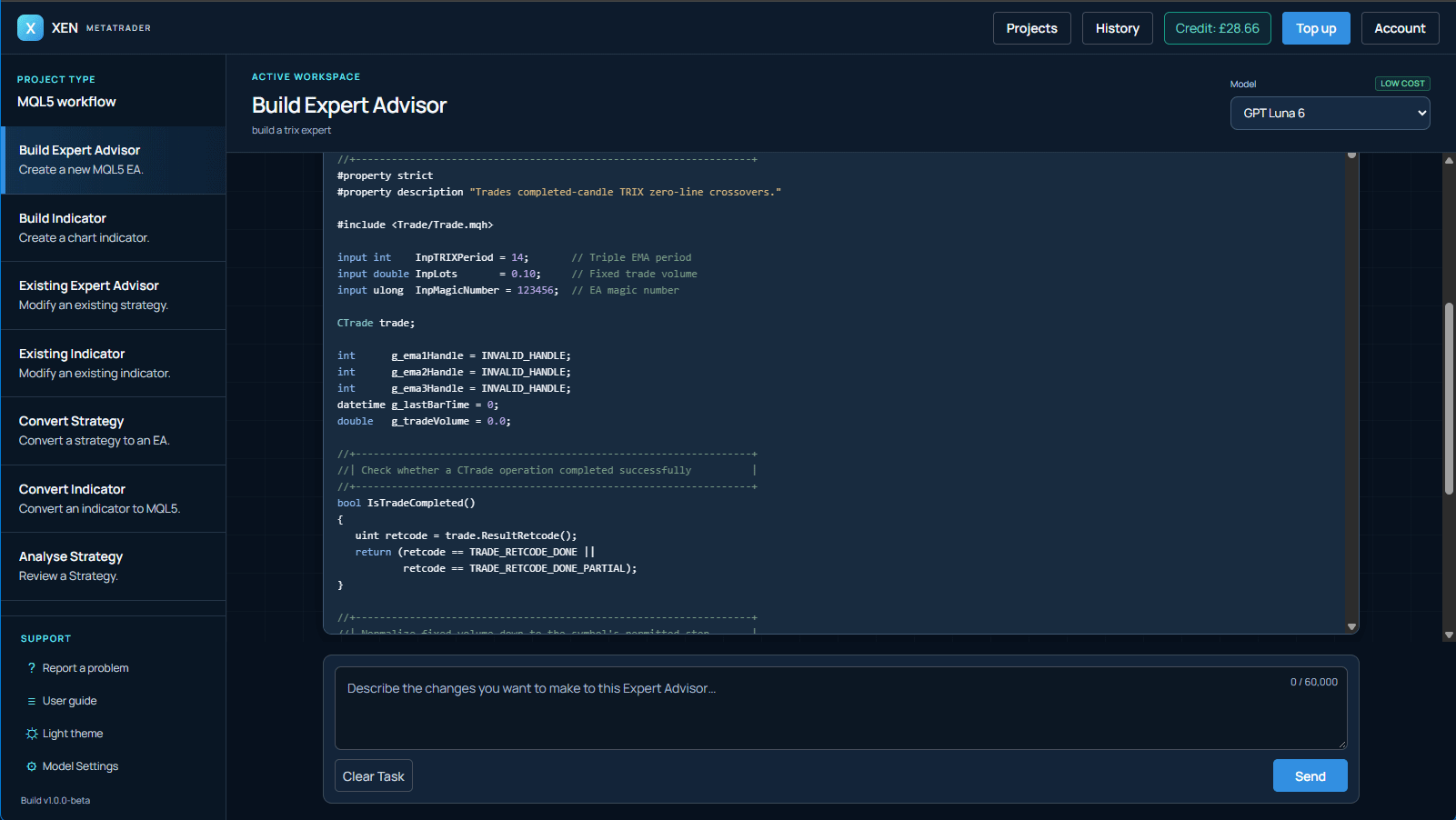
Turn plain-English requirements or existing source into complete MQL5 projects you can compile, test and refine in MetaTrader 5.
Build entry and exit logic, position sizing, stops, targets, filters and trade management for automated strategies.
Create calculation buffers, chart plots, signals, alerts and configurable inputs for technical analysis.
Develop focused tools for risk, orders, chart analysis and repetitive MetaTrader workflows.
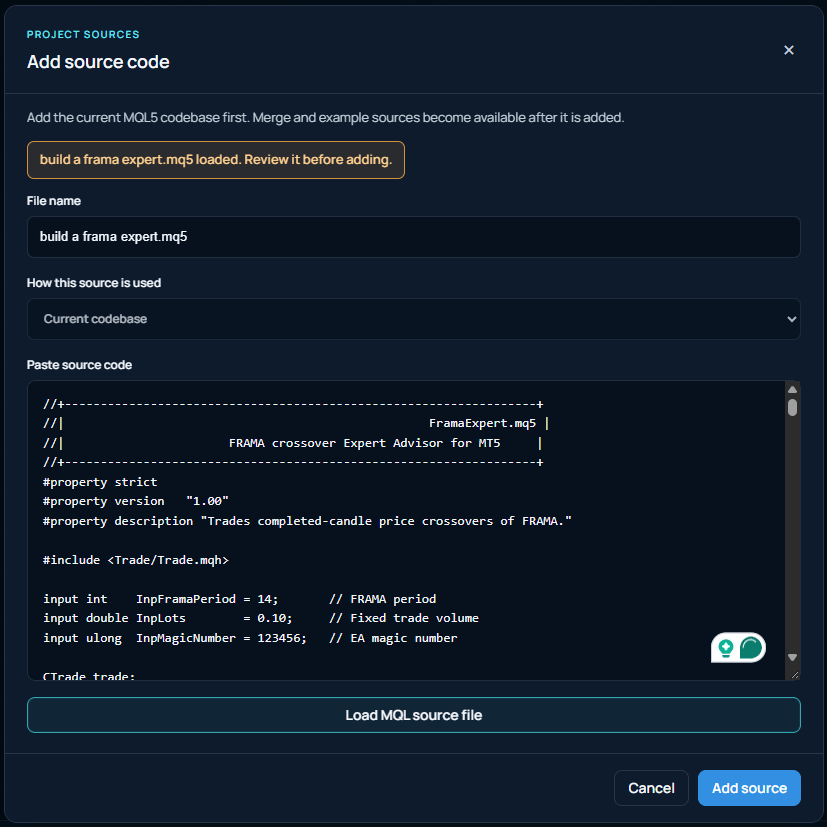
Improve an existing MQL5 project or bring source from another platform into a structured conversion workflow.
Strategy conversion
Convert strategy source from TradingView Pine Script, cTrader cAlgo or another supported platform into a structured MQL5 Expert Advisor project. Xen preserves the trading intent while adapting the implementation to MetaTrader’s event model, order handling and broker environment.
A practical development workflow
MQL5 projects depend on platform lifecycle events, symbol properties, account modes, order handling and broker execution. Xen keeps those constraints visible throughout planning, implementation and review.
Your source remains the centre of the project. Continue from the latest complete version, preserve approved requirements and make focused revisions without rebuilding the context every time.
About ClickAlgo
ClickAlgo has developed software for algorithmic traders since 2014, starting with cTrader and building indicators, automated trading systems, trading panels and risk utilities used by traders worldwide.
That practical experience now shapes Xen AI, our specialist development tools for MetaTrader, cTrader, NinjaTrader and TradingView. Each version is designed around its platform’s coding language, APIs and workflow. MetaTrader Xen brings that approach to MQL5, helping you create projects, improve existing source and repair compiler errors.
Our aim is to combine modern AI models with more than a decade of platform knowledge. Clear requirements, correct API use, compilation and testing remain at the centre of the process.
Pay as you go
Add credit from £1 and use it whenever you have an Expert Advisor, indicator or utility to build, change or repair. Your balance and the cost of each model are visible in the workspace.
Questions
What you can build, how credit works and how to take your first project into MetaTrader 5.
Create an account to claim £5 introductory credit, then choose an Expert Advisor, indicator or other MQL5 task. Describe what you want to build, or share existing source to work from. You will need MetaTrader 5 and MetaEditor to compile and test the finished project.
No. Xen is pay as you go: add credit from £1 when you need it, with no monthly subscription. AI requests use your balance according to the selected model and usage. You can see your balance and model pricing in the workspace.
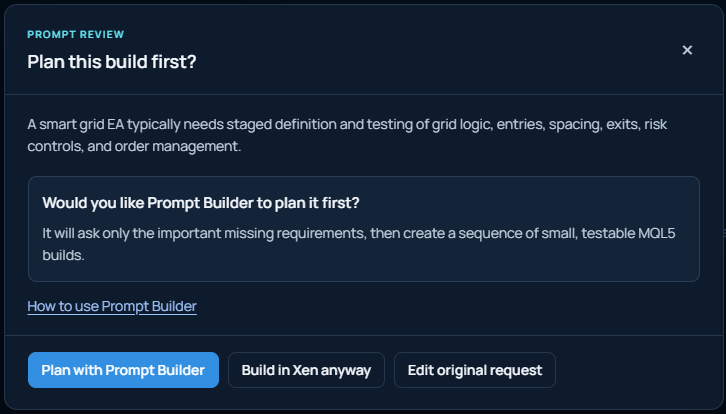
You can start with plain English. Describe entry and exit rules, risk controls and any inputs you need. Prompt Builder helps clarify missing requirements and organise more complex ideas into a Build Plan with smaller, testable steps.
Create MQL5 Expert Advisors, custom indicators, scripts and utilities. You can also share an existing project to add features, change its behaviour or repair errors, and use conversion workflows to adapt source from another trading platform.
Xen returns complete MQL5 source for you to review, save and compile in MetaEditor. Projects keep your work organised, while History lets you view saved source versions and restore an earlier snapshot as your current version.
Requirements verification compares the latest source with your original request or active Build Plan and highlights implemented, partial and missing items. If MetaEditor reports compiler errors, share the diagnostics and current source so Xen can help repair the project in context.
Yes. Upload a MetaTrader 5 Strategy Tester report to review trades and performance. Use those findings to refine your project, then run further tests in MetaTrader. A backtest describes historical results; it does not guarantee future performance.
We review the latest flagship AI models each month and assess their suitability for MQL5 development. Models are selected for code quality, reliability and value when building MetaTrader trading tools. You can choose from the available models and see their pricing in the workspace.
Build with a clearer process
Create an account, receive £5 introductory credit and start building Expert Advisors, indicators and trading tools without a subscription.
Create account and get £5 credit